Table of Contents
Published:
September 30, 2025
Last updated:
February 3, 2026
3
min read
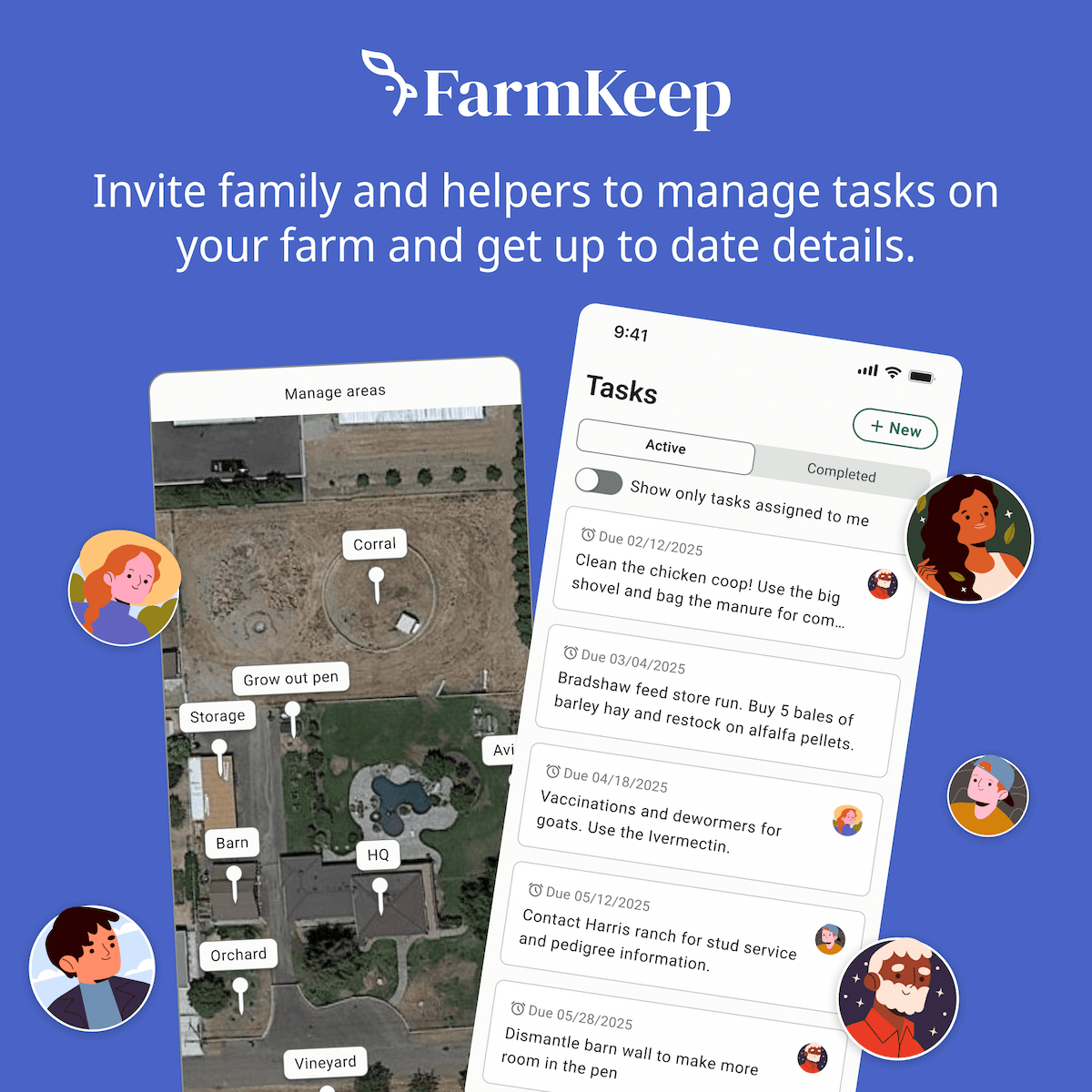
How Inviting Members to Your Farm Works in FarmKeep
FarmKeep makes it easy to collaborate by inviting multiple members to manage your farm together.
Here’s how the process works:
- Navigate to Home – Go to your farm dashboard and select "Invite members" button .
- Send an Invitation – Enter the member’s email address and choose their role based on the permissions you want them to have.
- Member Accepts the Invite – They’ll receive an email and in-app notification to join your farm.
- Manage Permissions Anytime – You can change their role, remove them, or re-invite them at any time from the Members screen.
- Premium Plan Note – Farms on a Premium plan can grant full access roles. If your downgrade your premium plan from premium to basic, some members may default to Restricted Access.
FarmKeep Roles & Permissions Overview